What “LetsVPN official site” actually means
The LetsVPN official site is a stable entry you can bookmark, check, and then use to reach the client — not every search result that happens to contain the brand. This English homepage lives at kllianhq.com.cn/en/. If a café hotspot loads it and a workplace gateway does not, the app did not vanish; a filter did. Save this URL instead of re-searching expired mirrors every week.
Kuailian official pages and LetsVPN share one check
Queries such as Kuailian official site, LetsVPN official website, and “always-on accelerator” all reduce to the same test: bare domain in the address bar, download button pointing at the labeled channel. Switching the UI language does not swap the installer. Home answers “is this the real entry?” File names, versions, and OS bars belong on the download center.
How to tell this entry from a lookalike
Three checks catch most fakes: the host is this bare domain, Help and Guides load, and the download control uses rel="nofollow" in a new tab. Odd PHP query strings, “verify your phone to unlock VIP,” or a mandatory browser-extension install are stop signs. Read the official-site vs lookalike notes before typing a purchase-channel password on a short link.
The page loads, but the client will not connect
A working homepage only proves the entry is reachable. A failed tunnel is a different job: try a nearby node, change protocol, turn off a system proxy, then look for a second VPN fighting for the same slot. A hotspot comparison tells you whether a gateway is blocking UDP. When the usual entry stalls, do not grab a “pre-activated” archive. Walk the install notes and the FAQ in order.
Entry checklist
- Type kllianhq.com.cn by hand. Do not restore it from a chat forward.
- The H1 should mention the official site. Four platform cards share one channel.
- Need an installer? Open Download. Do not type credentials on a search ad.
- After a phone swap, re-bookmark Home and Download. More on the home vs download split.
From this entry to each platform
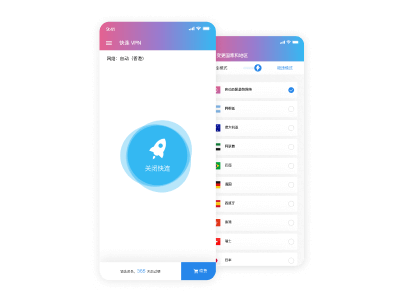
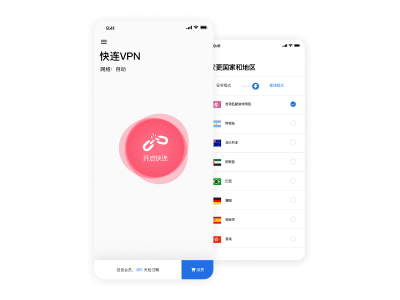
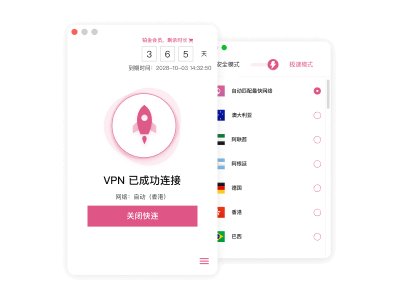
Windows, macOS, Android, and iOS all start here and then pick a matching package. File size is whatever the channel page shows — this site does not invent megabytes. Desktop prompts need an admin or Gatekeeper allow; phones need a VPN profile on first connect. Longer notes sit in the blog; they do not replace the version table on Download.
Official-entry questions
The official site will not open. Is LetsVPN gone?
Usually a filter, not a takedown. Confirm this host, then use Download on this page. If a hotspot works and the office LAN does not, write that down and follow the guide instead of hunting a new APK.
How do I know this is the real LetsVPN official website?
Address bar equals kllianhq.com.cn, and the download control uses a fixed channel with nofollow. A logo is not proof. Fake pages love a shortened URL that asks you to sign in first.
Are “Kuailian official” and “LetsVPN official” two products?
Two query languages, one check: domain plus the labeled channel. Packages still split by Windows, macOS, Android, and iOS. Changing the keyword does not change the binary.
If the official page is blocked, can I use a cloud-drive build?
No. Drive shares cannot be verified and often ship modified clients. Retry the labeled channel on another network. Connection failures belong in the guide, not in a “cracked” installer.
Should I bookmark Home or Download?
Both. Home is the entry and trust check. Download lists platforms, versions, and OS bars. When you send a coworker a link, paste the full URL, not a search query.
Home loads at work, but the file will not start.
HTML and the file channel can be filtered separately. Try a hotspot for the download. If the file lands but the tunnel fails, change protocol next. Do not install a third-party “accelerator” package as a workaround.
What does the HK App Store Tools ranking actually mean?
It only says the iOS client can appear in that storefront’s Tools chart. It is not a certificate we mint, and it does not replace the domain check on this site. Store region follows your Apple ID.
My old bookmark died after I got a new laptop.
Type the bare domain on the new machine, match the H1, then bookmark again. Chat history is a bad restore path. Client files still come from Download.
Does this site collect passwords?
No. Sign-in happens inside the app. This is a static explainer. Use the footer email if you need to write. Marks belong to their owners; privacy and terms are in the footer.
Where are trial and membership details?
Plan length is shown in the client. This site does not invent prices or download counts. Read the membership note on the blog, then take the matching OS package from Download. Pay only through the channel you already use.
Verify this site, then download
Or open the download center for platforms and versions.